Food. Movement. A little more clarity.
A healthier day.
At your own pace.
Food tracking that fits your life.
A clearer picture of what you eat, how you move, and what comes next.
Free to start. Android in private testing.


Actual iOS app screens. Example data.
Find us on Product HuntA day that makes sense
Less effort.
More perspective.
A meal is one moment in a bigger picture. FitHelix helps you keep track, notice patterns, and choose your next step.
Your meal.
Ready for review.
Take a photo. Check the foods and portions. Save when it looks right.
Explore photo logging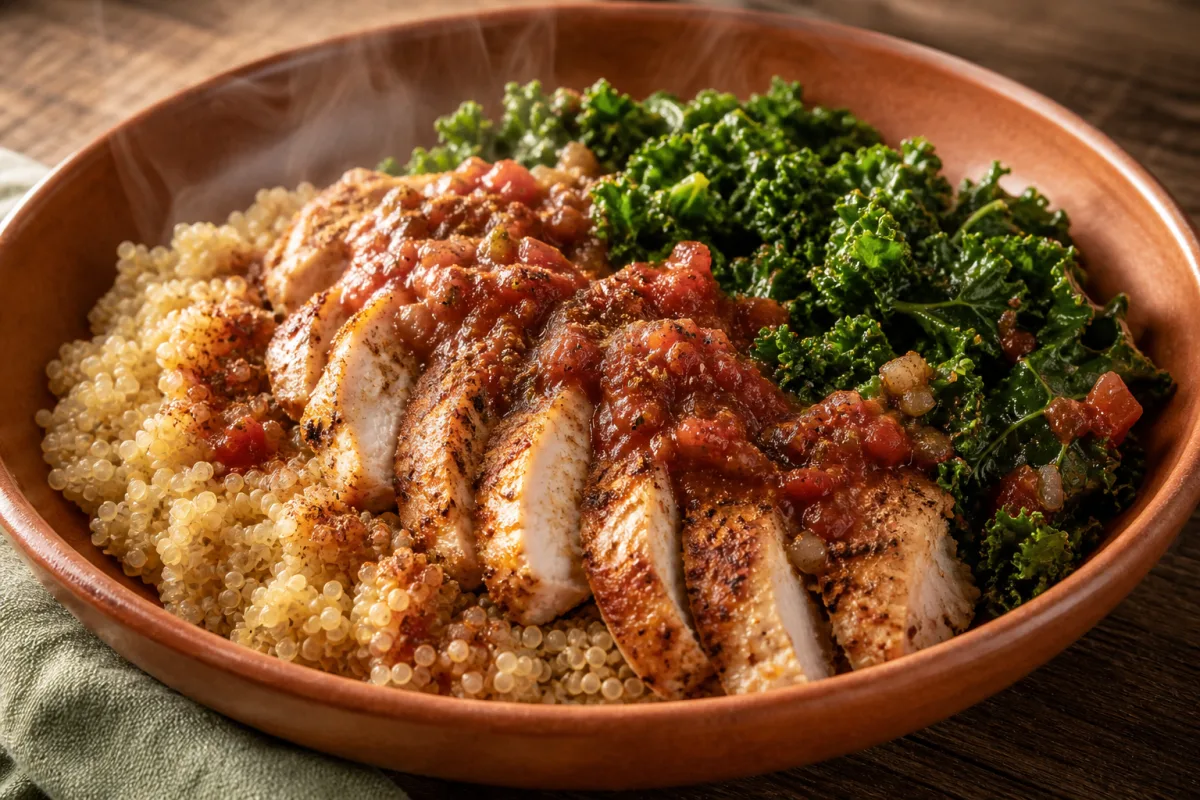
Make room
to move.
Your activity has a place beside your meals. Start a workout, or see what your day already holds.
Look beyond
a single day.
Review your progress over time. Bring questions to AI Coach when you want help putting it in context.

AI calorie tracker. Human in control.
Log your way.
Six ways to start. One simple principle: you review the details before a meal becomes a record.
Start with a photo.
Recognize foods and draft portions. Review and adjust before you save.
Scan the barcode.
Look up packaged foods and check the serving that works for your meal.
Read the label.
Turn a nutrition label into an editable draft. You stay in control.
Say what you ate.
Describe your meal and review the draft. Voice logging is included with Pro.
Find your food.
Search the food database, choose your portion, and add it to your day.
Make it your own.
Enter your own nutrition details when you have the numbers in front of you.
Clarity you can check
Know where
the numbers come from.
Food databases, package labels, and details you provide form the basis of your records. AI helps with recognition and explanation.
Read about your dataReview before saving
Check foods and portions. Edit a draft before it goes into your diary.
Estimates stay visible
When a database match is unavailable, a clearly marked AI estimate can be reviewed before saving.
Your records, your choice
You can export your data or delete your account through the app.
FitHelix Science
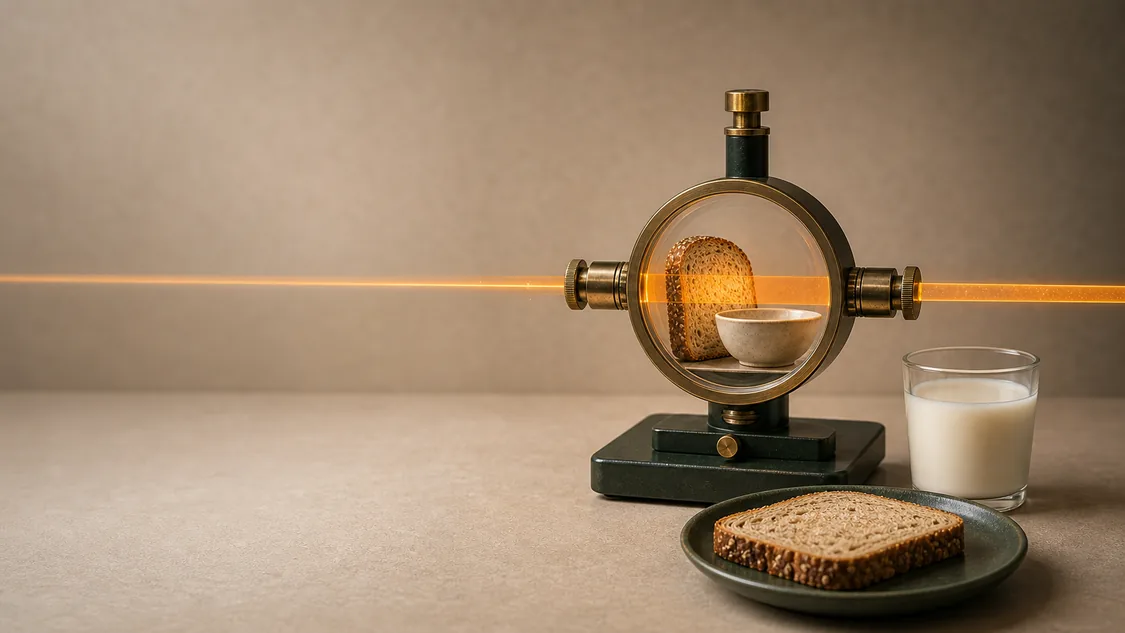
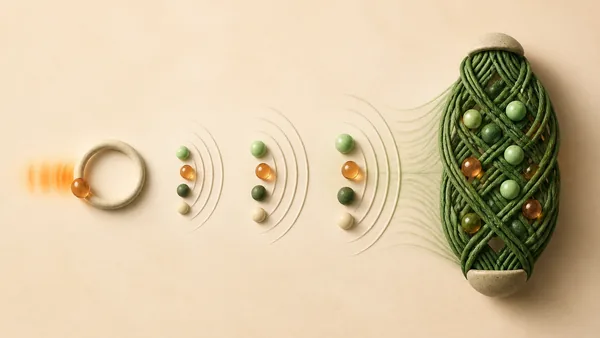
A little knowledge.
A fresh perspective.
Thoughtful reads on nutrition, movement, sleep, and mind. With sources you can follow and limits made clear.
Start with your next meal.
Get FitHelix for iPhoneFree to download. Optional FitHelix Pro in the app.
Explore FitHelix ProAndroid testing accessTracking for weight goals